Find content
 Not Telling




 Posted by
 Thank you!
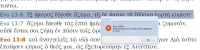
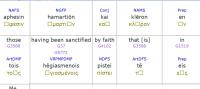
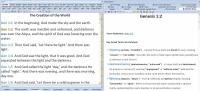
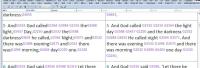
For the Ancient Hebrew Lexicon of the Bible there are SEVEN different True Type font files, as follows:
ancheb.ttf bsthebre.ttf olbheb.ttf semear.ttf semlate.ttf semmid.ttf semmod.ttf
You will find these fonts at http://www.biblesupport.com/e-sword-downloads/file/8694-jeff-a-benner-ancient-hebrew-lexicon-of-the-bible/ The Submitter is identified as david psalms. On the Bible Support web page there is a clear instruction: Note: Please install the fonts attached.
Irrespective of the type of e-Sword which you are using, you need to download the ahlb fonts. These are in the file ahlbfonts.zip
This file, after you have downloaded it, needs to have the contents all extracted. When you do so, you will find that there are seven different entries inside this unzipped file folder. Each of these seven fonts need to be installed onto your computer device, into the relevant fonts folder.